A Powerful Alternative to Google's Nano Banana Pro: What You Need to Know
The AI image generation space just got interesting again. Google recently launched Nano Banana Pro, claiming it's the most powerful AI image generator yet—4K quality, multilingual support, and real-time web integration. It made quite the splash. But here's the catch: it requires a VPN in certain regions, demands a subscription, and comes with strict usage quotas. For most users, the barrier to entry is frustratingly high. While everyone was still figuring out workarounds, Alibaba quietly dropped a bombshell: Z-Image-Turbo — completely open-source, runs locally, and has zero restrictions. I tested it immediately, and I have to say: this tool is exceptional.
Why This Tool Matters
Let's cut to the chase: Z-Image-Turbo is among the best open-source image generation models available.
Developed by Alibaba's Tongyi Lab, it packs 6 billion parameters but generates images in just 8 steps. It runs smoothly on consumer-grade GPUs with 8GB of VRAM.
What does that mean? Your RTX 3060 or 4060 can handle it just fine.
Here are the three key advantages:
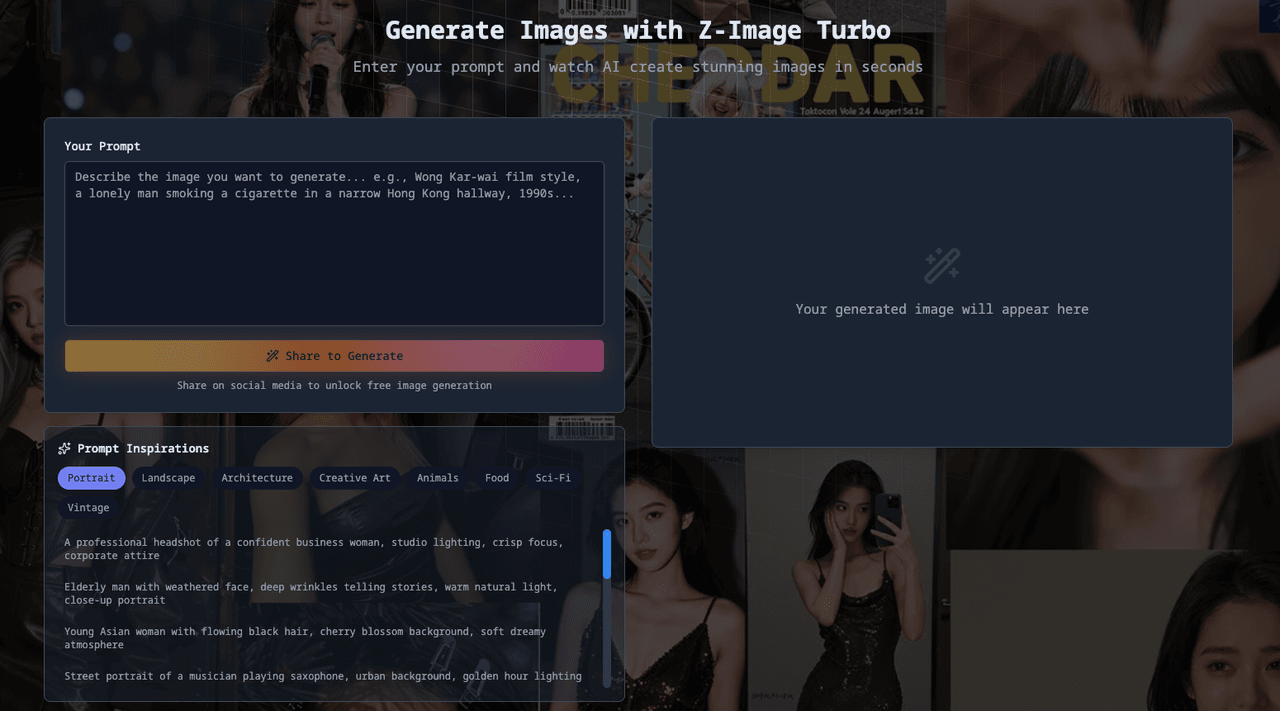
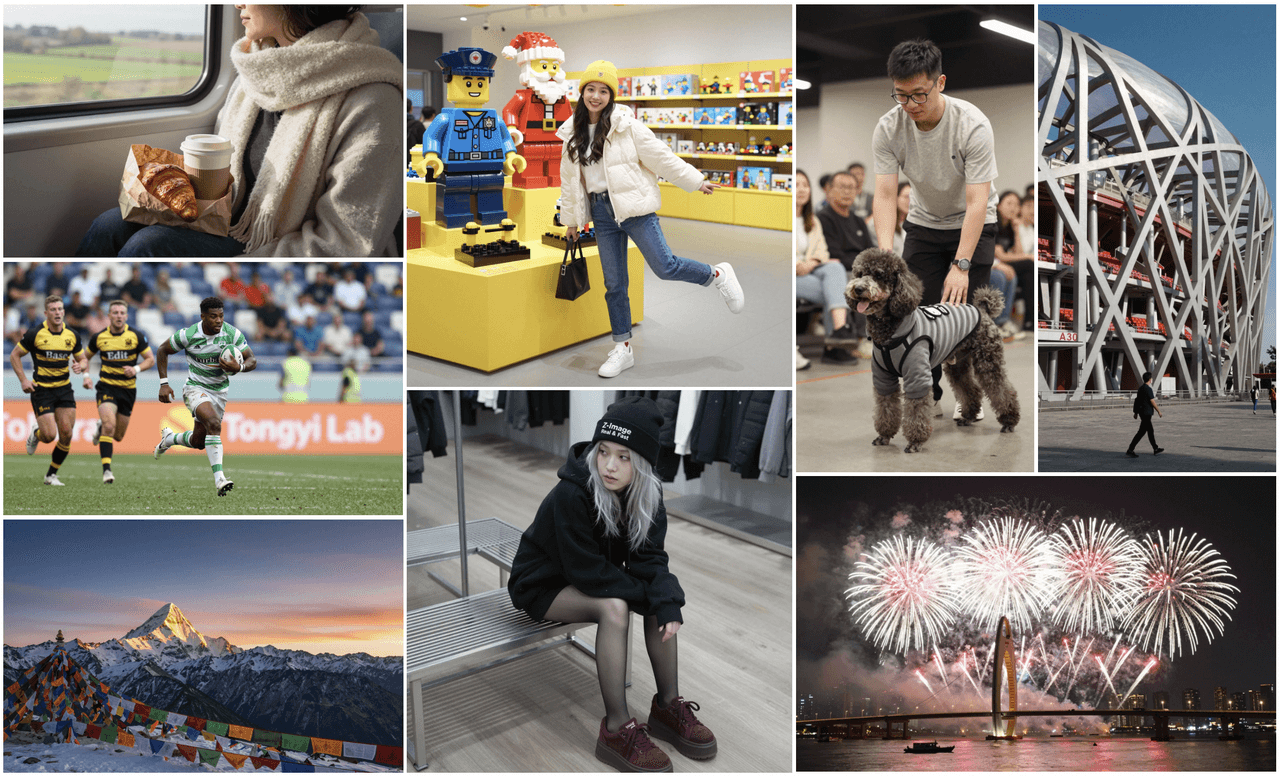
Photographic-Quality Image Rendering
I tested the prompt "a girl in traditional Chinese hanfu playing a guqin in a bamboo forest," and the output was stunning—rich details, sophisticated lighting, and depth that doesn't scream "AI-generated."
Multilingual Text Rendering Accuracy
Anyone who's used Stable Diffusion for generating images with Chinese text knows the pain—garbled characters that are completely unreadable. Z-Image has been specifically optimized for this, producing clear, accurate Chinese text perfect for e-commerce product images and social media graphics.


Intelligent Prompt Optimization
It has a built-in Prompt Enhancer. Even if you just type "a cat," it automatically adds details about lighting, composition, and style, delivering results that exceed your expectations.
Z-Image-Turbo vs. Nano Banana Pro: Detailed Feature Comparison
To be fair, Nano Banana Pro produces impressive quality, especially with Gemini 3 powering it and real-time web search capabilities.
But here's the problem:
-
Free users get only a few dozen images per day
-
Requires workarounds for access in some regions
-
All generated images include watermarks
-
Want premium features? You'll need to pay for a subscription
Z-Image-Turbo, on the other hand:
-
Runs completely offline—no internet required
-
No usage limits whatsoever
-
Released under the Apache 2.0 license—commercial use is permitted
-
All data stays local—no privacy concerns
For everyday users, this is a tool you can actually rely on.
How to Set Up Z-Image-Turbo Locally (Step-by-Step Guide)
You might be wondering: isn't local deployment complicated?
Not at all.
Step 1: Install the latest version of diffusers, use the following command:
pip install git+https://github.com/huggingface/diffusers
import torch
from diffusers import ZImagePipeline
1. Load the pipeline
Use bfloat16 for optimal performance on supported GPUs
pipe = ZImagePipeline.from_pretrained(
"Tongyi-MAI/Z-Image-Turbo",
torch_dtype=torch.bfloat16,
low_cpu_mem_usage=False,
)
pipe.to("cuda")
[Optional] Attention Backend
Diffusers uses SDPA by default. Switch to Flash Attention for better efficiency if supported:
pipe.transformer.set_attention_backend("flash") # Enable Flash-Attention-2
pipe.transformer.set_attention_backend("_flash_3") # Enable Flash-Attention-3
[Optional] Model Compilation
Compiling the DiT model accelerates inference, but the first run will take longer to compile.
pipe.transformer.compile()
[Optional] CPU Offloading
Enable CPU offloading for memory-constrained devices.
pipe.enable_model_cpu_offload()
prompt = "Young Chinese woman in red Hanfu, intricate embroidery. Impeccable makeup, red floral forehead pattern. Elaborate high bun, golden phoenix headdress, red flowers, beads. Holds round folding fan with lady, trees, bird. Neon lightning-bolt lamp (⚡️), bright yellow glow, above extended left palm. Soft-lit outdoor night background, silhouetted tiered pagoda (西安大雁塔), blurred colorful distant lights."
2. Generate Image
image = pipe(
prompt=prompt,
height=1024,
width=1024,
num_inference_steps=9, # This actually results in 8 DiT forwards
guidance_scale=0.0, # Guidance should be 0 for the Turbo models
generator=torch.Generator("cuda").manual_seed(42),
).images[0]
image.save("example.png")
Step 2: Describe the image you want to generate in English or Chinese
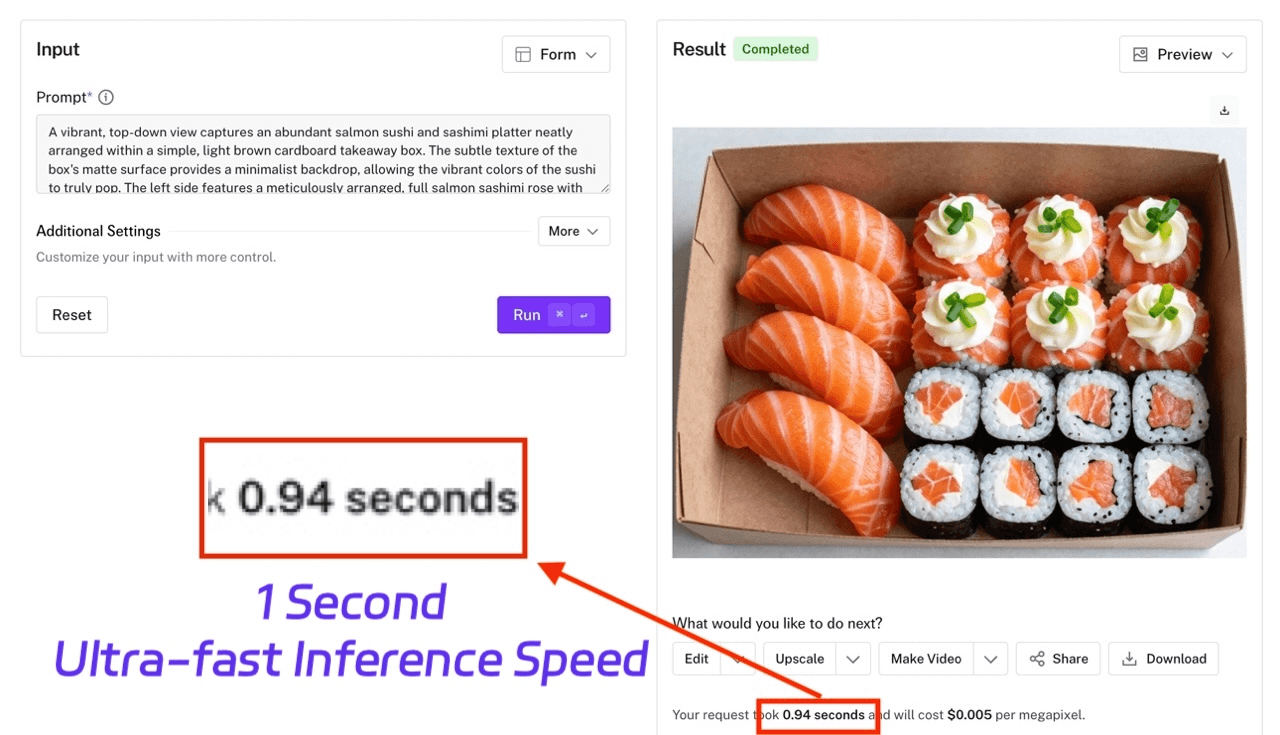
That's it. No environment configuration hassles.
Hardware requirements are reasonable:
-
Windows 10/11 system
-
NVIDIA 30/40/50 series GPU with 8GB+ VRAM
-
CUDA 12.4 or higher
If you have a gaming laptop or desktop PC, you're good to go.
Technical Deep Dive For those interested in the technical architecture and research behind Z-Image-Turbo, Alibaba's Tongyi Lab has published a comprehensive paper detailing the model's innovations in few-step image generation and multilingual text rendering capabilities. You can also explore the full technical documentation for implementation details.
Who Should Use This Model? Practical Scenarios and Recommendations
Content creators — Generate thumbnails, social media graphics, and custom illustrations without hunting for stock images.
E-commerce sellers — Create product shots, lifestyle scenes, and promotional banners with a single prompt.
Designers — Quickly generate concept art for client presentations and iterate easily.
Enthusiasts — Make wallpapers, avatars, character art—whatever you want.
Most importantly, running locally means all your data stays on your machine. No privacy worries, no concerns about service shutdowns.
Final Verdict: Is This the Better Choice for 2025?
The AI image generation race is heating up.
Google has Nano Banana, OpenAI has DALL-E—but these options either cost money, have restrictions, or both.
Alibaba's decision to open-source Z-Image is genuinely valuable for everyday users.
Free, unlimited, local execution, and commercially friendly.
What more could you ask for?
How to Get Started:
Visit the official GitHub repository to download Z-Image-Turbo and access setup instructions, or try the model directly on Hugging Face with one-click deployment options.