Hey, I'm Dora. If you're hunting for flux 1.1 product prompts you can actually paste and use, this is the field guide I wish I had. My goal: fast, photorealistic outputs with readable brand text. The image was right, but the text was wrong. That's the problem I'm here to solve. Along the way, I'll share what held up in production tests for realistic AI images for marketing and how I tune prompts so AI images with accurate text show up more often.
Flux 1.1 Product Prompt Formula for High-Quality Results
Here's the product-shot prompt skeleton I keep on a hotkey. It balances clean lighting, correct scale, and short, legible text.
Base formula
-
Subject: [BRAND] [PRODUCT TYPE], [COLOR], [MATERIAL], key feature [FEATURE]
-
Framing: camera [FOCAL LENGTH]mm, [ANGLE] angle, [DISTANCE] distance
-
Lighting: [LIGHT TYPE] + [FILL], soft reflections, clean shadows
-
Surface/background: [SURFACE], [BACKGROUND COLOR/STYLE]
-
Styling: [PROPS minimal/none], color harmony [PALETTE]
-
Text control: label reads "[EXACT TEXT]" in [FONT STYLE], centered, crisp, no warping
-
Quality cues: photoreal, sharp micro-contrast, accurate scale, true-to-life color, product-first composition
-
Negative cues: blurry label, misspelled text, warped letters, extra fingers, duplicate logos, excessive grain
Settings I found stable
-
Canvas: 768×1024 or 1024×1024 for single products: 1344×768 for wide ads
-
Guidance/CFG: 4–6 to keep branding and geometry on track
-
Prompt strength: keep text under 6–8 words: uppercase improves legibility
-
Seed: lock a seed when you like the geometry: then iterate text
-
Variations: change lighting first, then camera, then background: change only one thing per pass
Why it works
-
Short phrases boost text accuracy: long copy tanks it. I treat Flux 1.1 as a visualizer, not a typesetter.
-
Clear lens + light descriptors set scale, which keeps labels readable.
-
A tight negative list reduces letter warping. It won't fix everything, but it cuts bad runs.
If you need heavy copy or exact font matching, pair this with light post-work in Figma/Photoshop. Flux gives you the photoreal base: text polishing takes 2–3 minutes. That combo still beats most trial-and-error in other AI tools for designers.
Studio Product Prompts (15 Examples)
Paste, then replace brackets. Keep text short and high-contrast.
-
"[BRAND] serum bottle, frosted glass, 85mm studio, front angle, softbox key + reflector, acrylic surface, pale gray sweep, label reads "[EXACT TEXT]", minimal props, photoreal, no warped text"
-
"matte black [BRAND] headphones, 50mm, top-down, rim light, gradient charcoal backdrop, logo reads "[TEXT]" on ear cup, clean reflections"
-
"[BRAND] running shoe [COLOR], 70mm side profile, hard light from left, white cyclorama, hang by invisible thread, tag reads "[TEXT]""
-
"[BRAND] smartwatch, stainless steel, 90mm hero, two-point light, dark slate backdrop, screen shows "[TEXT]" in bold sans, sharp edges"
-
"[BRAND] cold brew can, condensation, 85mm, edge-lit, plexi surface, label reads "[TEXT]" uppercase, centered"
-
"[BRAND] lipstick [SHADE], 100mm macro, beauty dish, seamless nude backdrop, cap engraving "[TEXT]""
-
"[BRAND] DSLR, 70mm quarter-turn, strip lights, black-to-gray gradient, top plate text "[TEXT]" crisp"
-
"[BRAND] perfume, clear glass, 85mm, softbox through silk, mirror surface, label "[TEXT]" serif, black ink"
-
"[BRAND] protein jar, 50mm, high key, white sweep, lid sticker reads "[TEXT]" bold"
-
"[BRAND] smartwatch band trio, flat stand, 75mm, even light, slate slab, card reads "[TEXT]""
-
"[BRAND] backpack [COLOR], 60mm, clamshell pose, cross-polarized light, tag "[TEXT]""
-
"[BRAND] gaming mouse, 80mm, gel highlights, charcoal mat, logo "[TEXT]" neon"
-
"[BRAND] ceramic mug, 85mm, high key, seamless white, print "[TEXT]" center"
-
"[BRAND] razor, chrome, 90mm, hard speculars, black acrylic, stand card reads "[TEXT]""
-
"[BRAND] smartwatch charger, 70mm, soft wrap light, gray felt, label "[TEXT]" minimal"
Lifestyle Product Prompts (15 Examples)
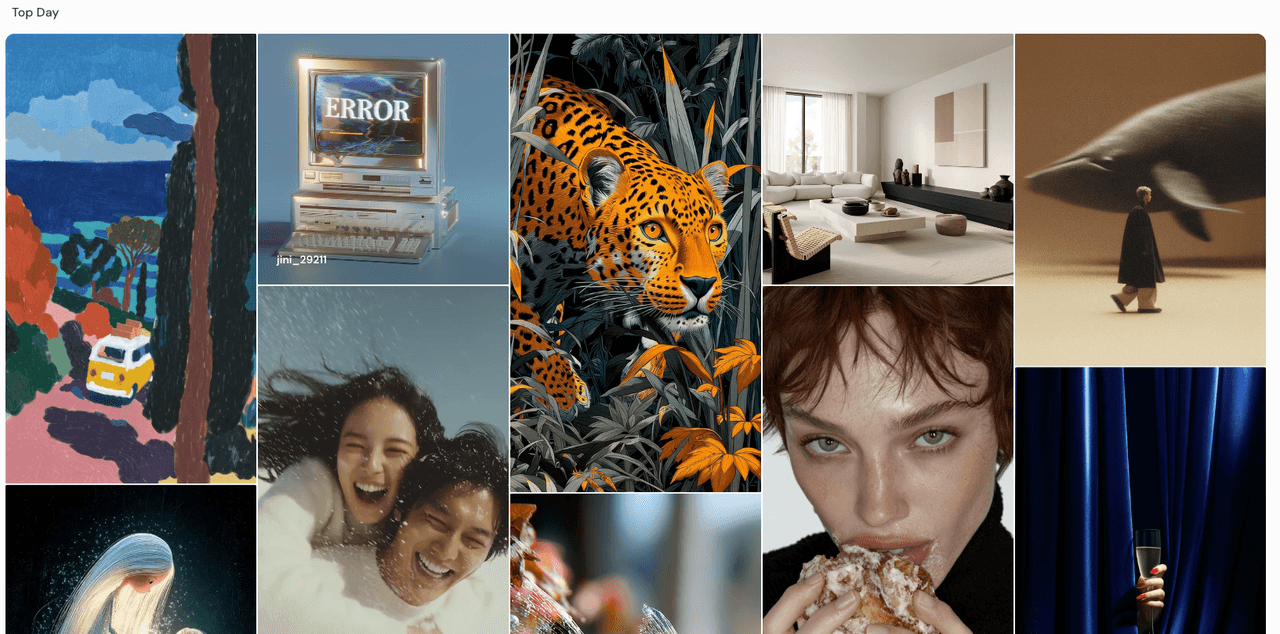
Lifestyle adds story. I keep copy even shorter here.
-
"[BRAND] trail runners on moss, sunrise, 35mm, natural backlight, tag "[TEXT]" on heel"
-
"[BRAND] coffee can on kitchen counter, 50mm, window light, steam, label "[TEXT]""
-
"[BRAND] water bottle at gym, 35mm, rim light, chalk dust, logo "[TEXT]""
-
"[BRAND] watch on wrist, 50mm, golden hour, city blur, dial shows "[TEXT]""
-
"[BRAND] skincare on marble, 45mm, skylight, towel prop, label "[TEXT]" serif"
-
"[BRAND] earbuds on notebook, 35mm, cafe ambient, bokeh, case reads "[TEXT]""
-
"[BRAND] sunscreen in beach bag, 28mm, harsh sun, sand texture, tube "[TEXT]""
-
"[BRAND] bicycle helmet on bench, 35mm, park shade, strap tag "[TEXT]""
-
"[BRAND] gaming handheld on sofa, 35mm, evening lamp, screen "[TEXT]""
-
"[BRAND] chef knife on cutting board, 50mm, side window light, blade etch "[TEXT]""
-
"[BRAND] yoga mat rolled, 35mm, studio daylight, band "[TEXT]""
-
"[BRAND] jacket on hanger, 45mm, wardrobe light, label "[TEXT]""
-
"[BRAND] cycling bottle in cage, 35mm, road blur, logo "[TEXT]""
-
"[BRAND] baby bottle on table, 50mm, morning light, scale marks + "[TEXT]""
-
"[BRAND] backpack at airport, 35mm, motion blur, luggage tag "[TEXT]""
Flat Lay Product Prompts (10 Examples)
Flat lays are great for text legibility and color harmony.
-
"flat lay: [BRAND] skincare trio, overhead 90°, soft top light, linen cloth, card reads "[TEXT]""
-
"flat lay: stationery set, overhead, kraft paper, ink stamp "[TEXT]""
-
"flat lay: tech EDC, overhead, charcoal mat, label tape "[TEXT]""
-
"flat lay: snack lineup, overhead, parchment, sticker "[TEXT]""
-
"flat lay: coffee kit, overhead, marble, coaster print "[TEXT]""
-
"flat lay: travel essentials, overhead, sand fabric, tag "[TEXT]""
-
"flat lay: jewelry set, overhead, velvet, card "[TEXT]" serif"
-
"flat lay: fitness accessories, overhead, rubber mat, bottle "[TEXT]""
-
"flat lay: baby care, overhead, pastel sheet, label "[TEXT]""
-
"flat lay: grooming kit, overhead, slate tile, pouch "[TEXT]""
Ad Creative Product Prompts (10 Examples)
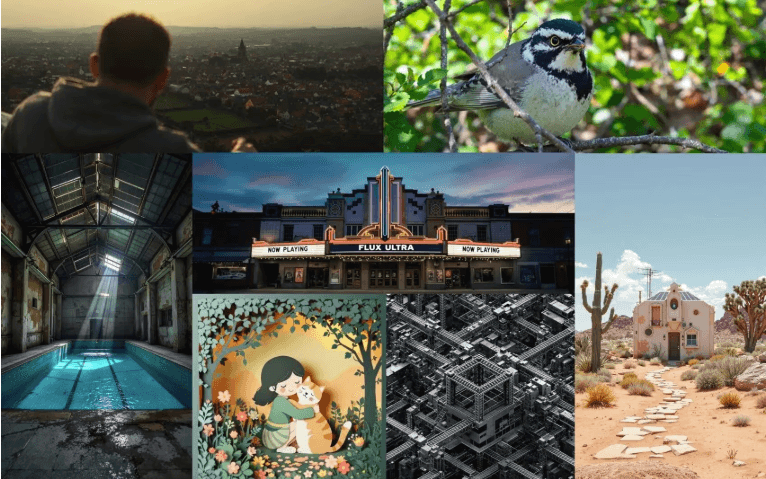
For ads, I design space for copy and brand lockups. This is where the best AI image generator for text matters, short, bold lines win.
-
"ad layout: [PRODUCT] on left, negative space right, 28mm, hard top light, bold headline "[TEXT]""
-
"banner: [PRODUCT] floating center, dark gradient, rim light, tagline "[TEXT]" bottom"
-
"poster: [PRODUCT] macro detail, black background, neon edge, headline "[TEXT]" sans"
-
"billboard mock: [PRODUCT] large, sky backdrop, clean, short copy "[TEXT]""
-
"carousel frame: [PRODUCT] + icon set, flat light, pastel, CTA "[TEXT]""
-
"UGC-style ad: hand holding [PRODUCT], phone flash look, caption card "[TEXT]""
-
"retail placard: [PRODUCT] on plinth, high key, price tag "[TEXT]" big"
-
"email hero: [PRODUCT] center, soft vignette, headline "[TEXT]" top"
-
"story ad: vertical 9:16, [PRODUCT] bottom, bold "[TEXT]" top"
-
"A/B variant: same scene, new background color, swap "[TEXT]" only"
Flux 1.1 Branding Tips
What improved my text hits most with Flux 1.1:
-
Keep it short: 1–4 words. Uppercase helps. Hyphens and slashes often break letters.
-
Repeat critical text once: label reads "[TEXT]" … brand logo says "[TEXT]" (no more than twice or it feels stuffed).
-
Fonts as styles, not exact files: say "bold sans" or "narrow serif." Exact font names can confuse models.
-
High-contrast placement: dark ink on light label or the reverse. Avoid busy textures under type.
-
Angle matters: front-on or slight three-quarter beats extreme perspective for legibility.
-
Negative prompt every time: "misspelled, warped, melted, duplicated letters, gibberish, extra symbols".
-
Iteration rhythm: lock a seed: run 4–6 variations: keep the cleanest label: then change lighting only.
-
Post step is not cheating: I'll nudge kerning in Figma in 90 seconds. The output stays photoreal, and the copy is perfect.
Where Flux 1.1 shines
- Fast product hero shots, clean lifestyle, flat lays. It's one of my favorite AI tools for designers who need speed.
Where I don't force it
- Long paragraphs on packaging, legal copy, dense nutrition panels. I generate the scene, then place exact text manually. It's faster and safer for brand compliance.
Last note: if your brief says "AI images with accurate text required," structure the scene for the text, flat label, face-on camera, simple light. Seven minutes later, I had already exported my first production-ready image using this exact approach. Try one prompt today, keep what works, and cut the rest.