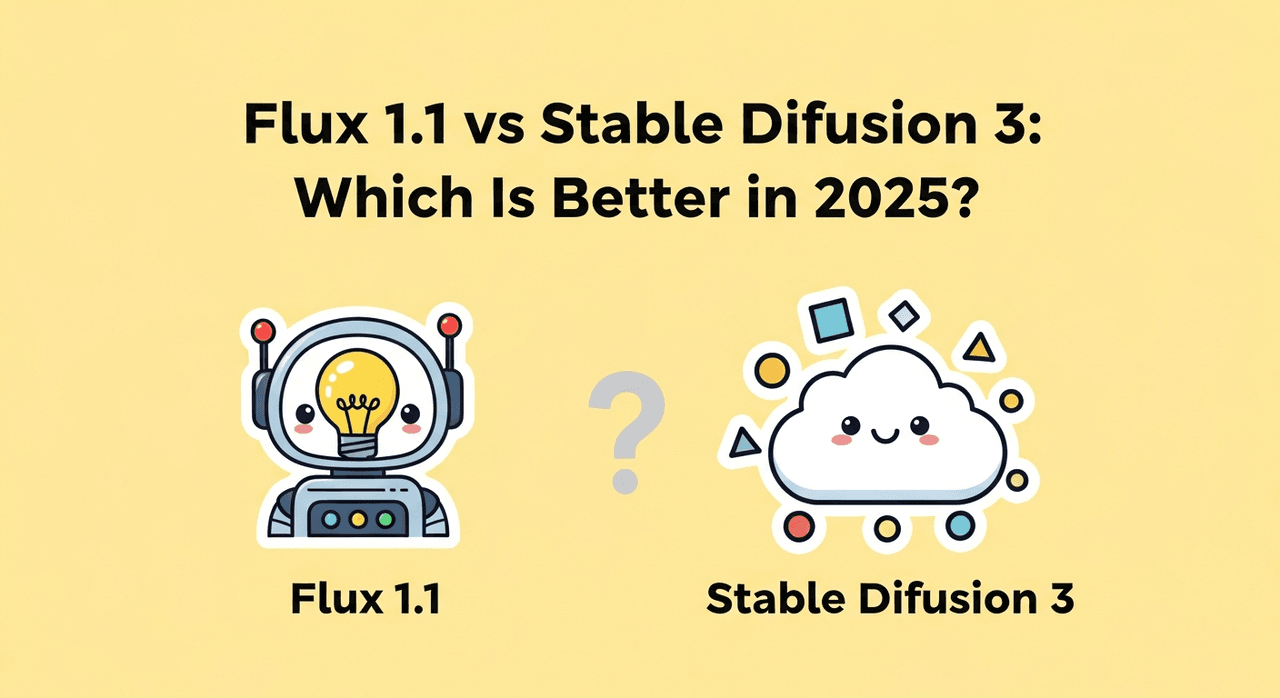
I kept seeing creators debate Flux 1.1 vs Stable Diffusion 3, so I ran controlled tests focused on one thing: can these models deliver realistic AI images with accurate text without wasting my day? If you're looking for the best AI image generator for text and fast, production-ready outputs, this breakdown is for you. I'll share settings, failures, and where each model shines for AI tools for designers and marketers.
Flux 1.1 vs Stable Diffusion 3: Model Overview & Core Differences
Flux 1.1
-
What it is: A modern diffusion-transformer model (family: Flux) tuned for sharp details and stronger text rendering than earlier open models.
-
How it feels: Opinionated about style out of the box, clean lighting, crisp edges, legible lettering when prompted right.
-
Access: Widely available via hosted APIs/UIs: local inference is possible but benefits from a strong GPU.
Stable Diffusion 3 (SD3)
-
What it is: Stability AI's newer architecture (MMDiT) designed to improve compositional control and text fidelity over SDXL.
-
How it feels: More neutral base aesthetic than Flux: flexible and easier to nudge toward different art directions.
-
Access: Available through Stability's APIs and community tooling (ComfyUI pipelines are popular).
Core differences I noticed
-
Text accuracy: Flux 1.1 was more "plug-and-play" for clean signage and packaging text. SD3 caught up when I used tighter prompts and careful negative prompts.
-
Style bias: Flux adds a subtle commercial look: SD3 is more adaptable if you need to match brand references.
-
Prompt sensitivity: SD3 responds well to structured, literal prompts: Flux forgives looser phrasing but benefits from explicit text tags.
-
Ecosystem: SD3 has deeper community workflows today: Flux has mature hosted routes that feel faster to production.
If your priority is AI images with accurate text with minimal tinkering, Flux 1.1 gave me a slight edge. If you need broad stylistic range and compositing control, SD3 stays compelling.
Image Quality Comparison
Test setup
-
Hardware: RTX 4090 (24 GB VRAM) desktop and 4060 Laptop (8 GB). Same seeds where possible.
-
Prompts: 1) "Outdoor billboard, sunset, bold headline: 'SUMMER SALE 40% OFF', subtext: 'Downtown Plaza • This Weekend Only'." 2) "Matte product can, brand name: 'BRIVO', tagline: 'Cold Brew, No Compromise'." 3) "Magazine cover, serif masthead: 'URBAN FIELD', coverline: 'Design Trends 2025'."
-
Settings (baseline): 30–35 steps, CFG 4.5–6, 1024×1024, high-res fix off, then upscale x2 if text clean.
Results
-
Billboard: Flux 1.1 produced readable 'SUMMER SALE 40% OFF' consistently at 1024 px. SD3 sometimes merged characters at the edges until I lowered CFG to ~4.8 and added negative: "deformed letters, typos, extra strokes."
-
Product can: Flux nailed 'BRIVO' at 1k resolution, then held up after a 2x upscale. SD3 needed 768→1024→upscale with a face/text refiner pass to keep the 'R' and 'V' from blending.
-
Magazine cover: SD3 won on typography variety when I specified "serif masthead, high kerning, clean baselines." Flux was sharp but leaned toward a default sans-like look unless I explicitly forced "serif masthead."
Color, lighting, realism
-
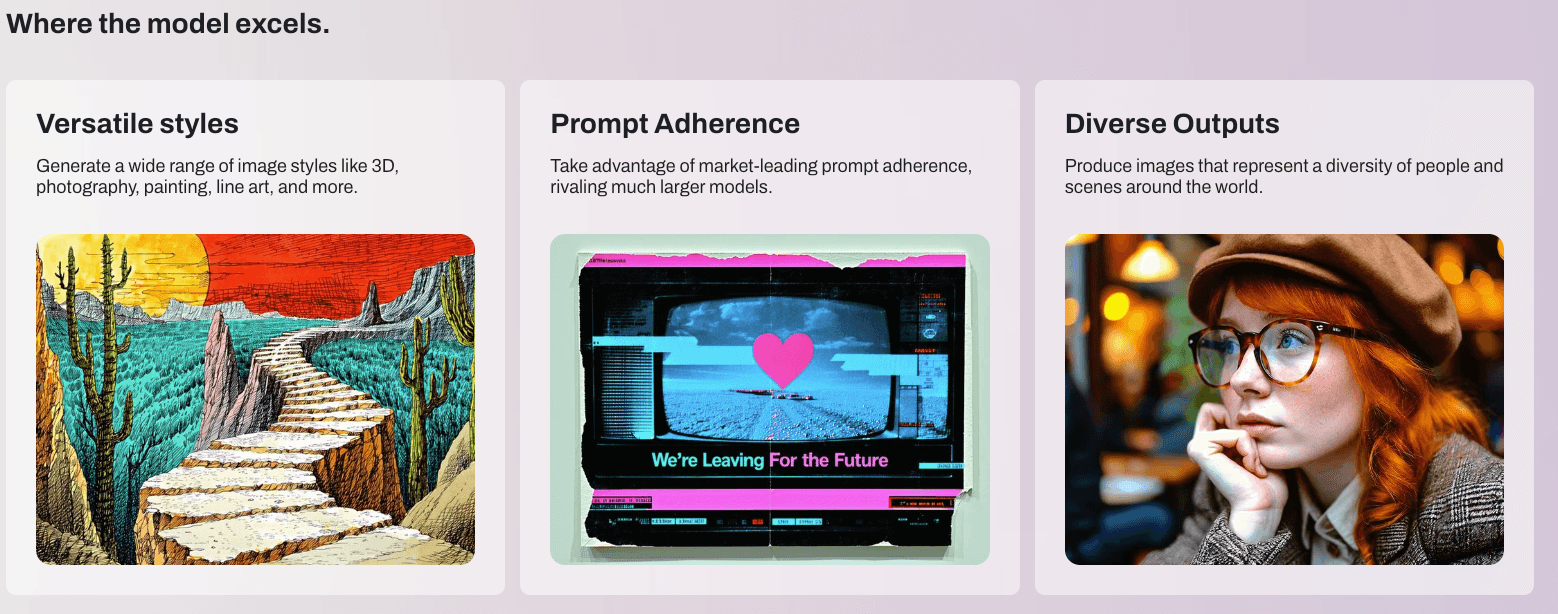
Flux 1.1 looked "commercial-ready" faster, great for realistic AI images for marketing. Skin tones and product reflections were crisp with minimal fuss.
-
SD3 allowed finer control over mood and grain. With small prompt tweaks, I matched brand palettes more precisely.
Failure modes (because they matter)
-
Flux 1.1: Occasionally over-sharpens micro-text: tiny legal lines can become too crisp or doubled after aggressive upscaling.
-
SD3: Line breaks and kerning drift on long phrases: letters can melt at high CFG or low steps. But careful scheduling and negatives fix most of it.
Verdict: Flux 1.1 is faster to "good enough for production." SD3 is more sculptable if you're willing to iterate.
Hardware Requirements for Flux 1.1 vs Stable Diffusion 3
My practical take after dozens of runs:
-
8 GB VRAM (laptop GPUs): Both models run at 768–1024 px with careful VRAM management. Expect slower generation and more reliance on tiled upscalers.
-
12–16 GB VRAM: Comfortable 1024 px, faster iterations, room for a refiner or control nodes.
-
24 GB VRAM: Smooth 1024–1536 px, batch testing, and in-graph upscaling.
Speed notes
-
Flux 1.1 on a hosted service felt faster end-to-end for me (prompt → export), especially when I needed AI images with accurate text quickly.
-
SD3 local via ComfyUI gives you knobs to optimize (schedulers, precision). If you're comfortable with graphs, you can hit near-hosted speed after tuning.
If you're on tight hardware, start at 768 px, 28–32 steps, CFG 4.5–5.5, then upscale with a tile model. Save the 1024+ experiments for final passes.
Ecosystem & Tooling
What helped me work faster:
Flux 1.1
-
Clean hosted UIs and APIs, great for handoff to non-technical teammates
-
Presets that bias toward crisp, marketable results
-
Smaller community recipes compared to SD3, but growing fast
Stable Diffusion 3
-
Rich ComfyUI graphs, ControlNet-style conditioning, and community nodes
-
Easier to blend references (logos, brand colors) with image guidance
-
More setup time: easier to break text with aggressive nodes
Licensing & usage
- Always confirm licensing for your deployment (hosted vs local, commercial terms). For client work, I keep everything documented, model hash, date, steps, seed, so brand teams can approve provenance.
For AI tools for designers working in teams, SD3's community modules are a plus. For quick client deliverables, Flux's managed routes saved me hours.
When Flux 1.1 Is the Better Choice
Use Flux 1.1 when you need:

-
Fast, legible text out of the box (signage, packaging, social ads)
-
A clean commercial look with minimal prompt gymnastics
-
Lower risk of weird letter merges at standard sizes (1024 px)
My best-performing settings (tested)
-
Steps: 32–36
-
CFG: 4.8–5.6 (go lower if letters start to warp)
-
Sampler/scheduler: Karras-style or DPM variants worked consistently
-
Prompt pattern: "clear headline: '…', subtext: '…', centered layout, high contrast, sharp typography, no misspellings"
-
Negatives: "typos, double-strokes, warped letters, uneven kerning"
Quick win: For the best AI image generator for text feeling, add a micro-constraint, "tight kerning, baseline-aligned", and Flux behaves.
When Stable Diffusion 3 Performs Better
Pick SD3 when you need:
-
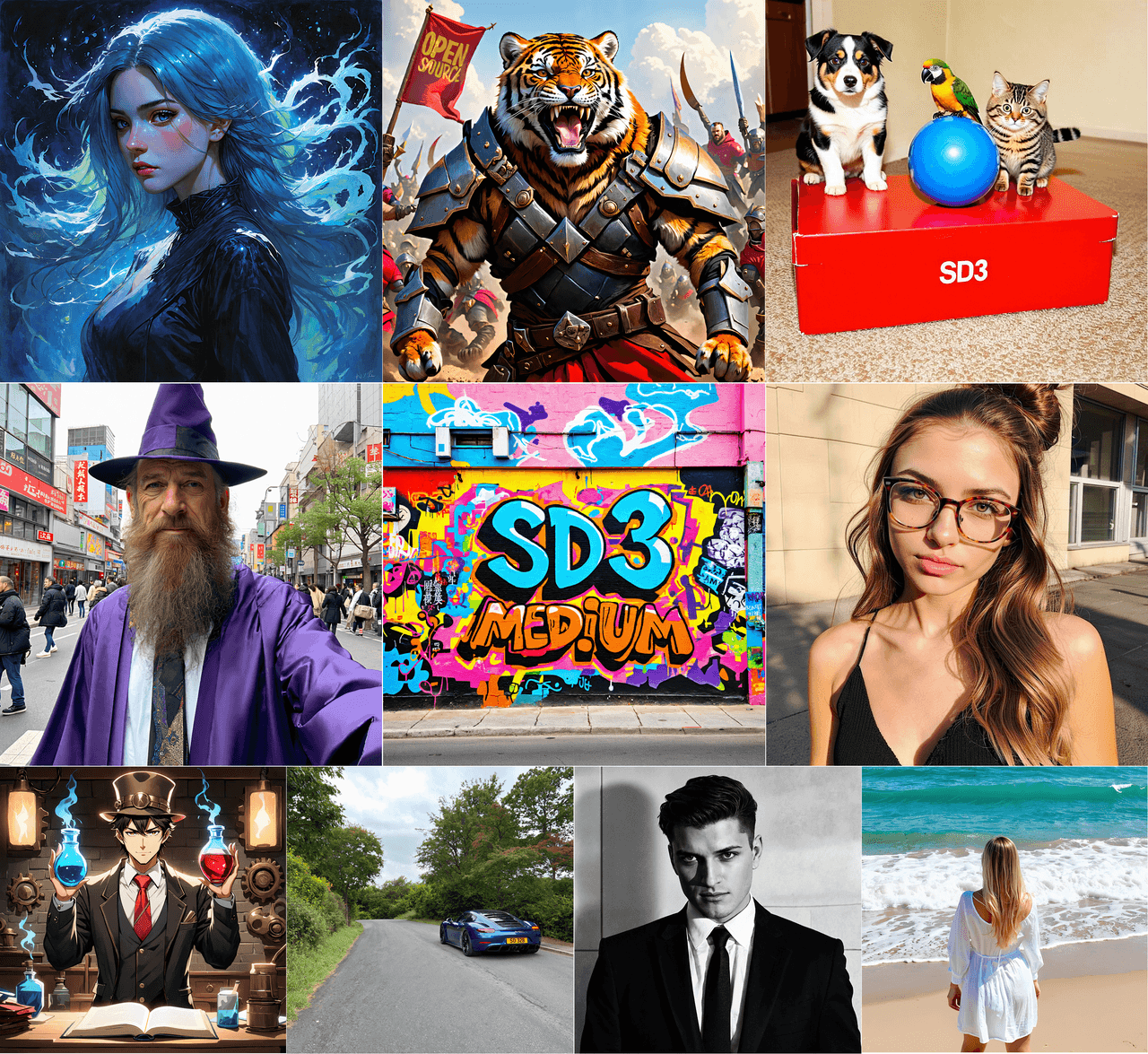
Flexible art direction or multiple brand looks in one session
-
Complex layouts (magazine covers, poster grids) where composition control matters
-
Strong integration with Control-type nodes and reference images
My reliable SD3 recipe
-
Steps: 30–34
-
CFG: 4.2–5.0 (higher tends to melt letters)
-
Guidance: Add negative "typos, merged letters, aliased edges"
-
Prompt structure: Lead with layout cues, "two-column layout, masthead at top, headline left, body right, serif masthead: '…'." Then add color/lighting.
If text keeps drifting, I downscale to 896 px, generate, then upscale with a tile model. It preserves letterforms better than starting huge.
Flux 1.1 vs Stable Diffusion 3: Practical Decision Guide

If I had to choose under deadline pressure:
-
One-shot ad with readable text in 15 minutes? Flux 1.1.
-
Brand system exploration across multiple styles? SD3.
-
Weak laptop, need reliable 768–1024 px? Flux on hosted: SD3 if you love ComfyUI tuning.
Simple matrix
-
Speed to production: Flux 1.1
-
Deep control and compositing: SD3
-
Default text accuracy: Flux 1.1
-
Style range: SD3
My final advice
-
Start with the model that reduces retries. If the text must be right, fast, go Flux 1.1. If the look must be exact, and you can iterate, go SD3.
-
Keep prompts literal for text: quote the headline and subtext. Add layout language (centered, top banner, left column).
-
Treat upscaling as a separate step. Generate clean at 768–1024, then upscale with a tile approach.
I had already exported my first production-ready image. That's the goal: realistic AI images for marketing without the typo roulette. If you're stuck between the two, start with Flux for text-critical tasks and keep SD3 ready when art direction takes the lead.