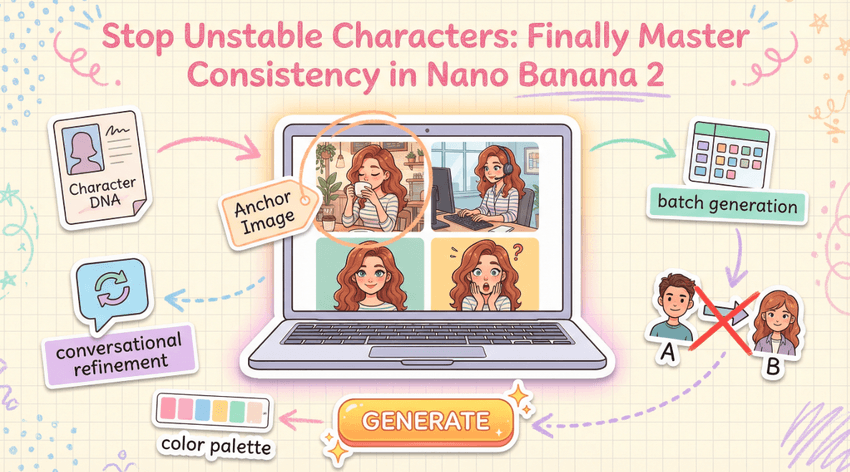
I've spent the last three months wrestling with AI character generation, and I'll be honest—watching your perfectly designed character morph into someone unrecognizable in the next image is maddening. That frustration led me to Google's Nano Banana 2, and after hundreds of tests, I've finally cracked the consistency code.
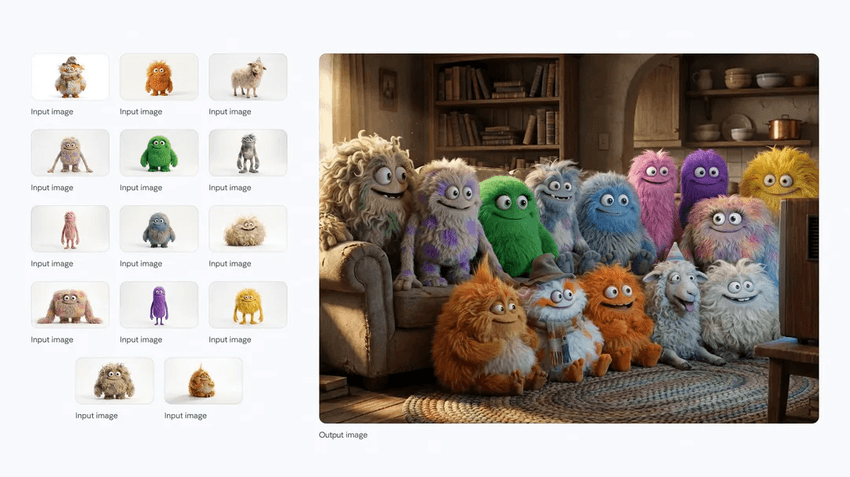
Why Consistency Is Hard in AI Character Generation
Character consistency has always been AI's biggest weakness. Most image generators treat each prompt as a blank slate, redrawing everything from scratch. Without memory of previous outputs, they can't maintain the subtle details that make faces recognizable—the specific eye color, the slight asymmetry in a smile, the exact way hair falls.
According to Sequoia Capital's podcast with the Nano Banana team, research showed something fascinating: you can only judge character consistency on faces you know intimately. I tested this myself using photos of friends, and the difference was striking—faces I saw daily revealed inconsistencies that generic portraits might hide.
This insight shaped how I now evaluate every generation: if I wouldn't recognize this character after seeing them twice, something's wrong.
Base Character Design Essentials for Nano Banana Consistent Characters
Creating consistency starts with what I call "character DNA"—a foundation prompt containing every detail that makes your character unique. The official Nano Banana documentation emphasizes hyper-specific descriptions, and I've found this transformative.
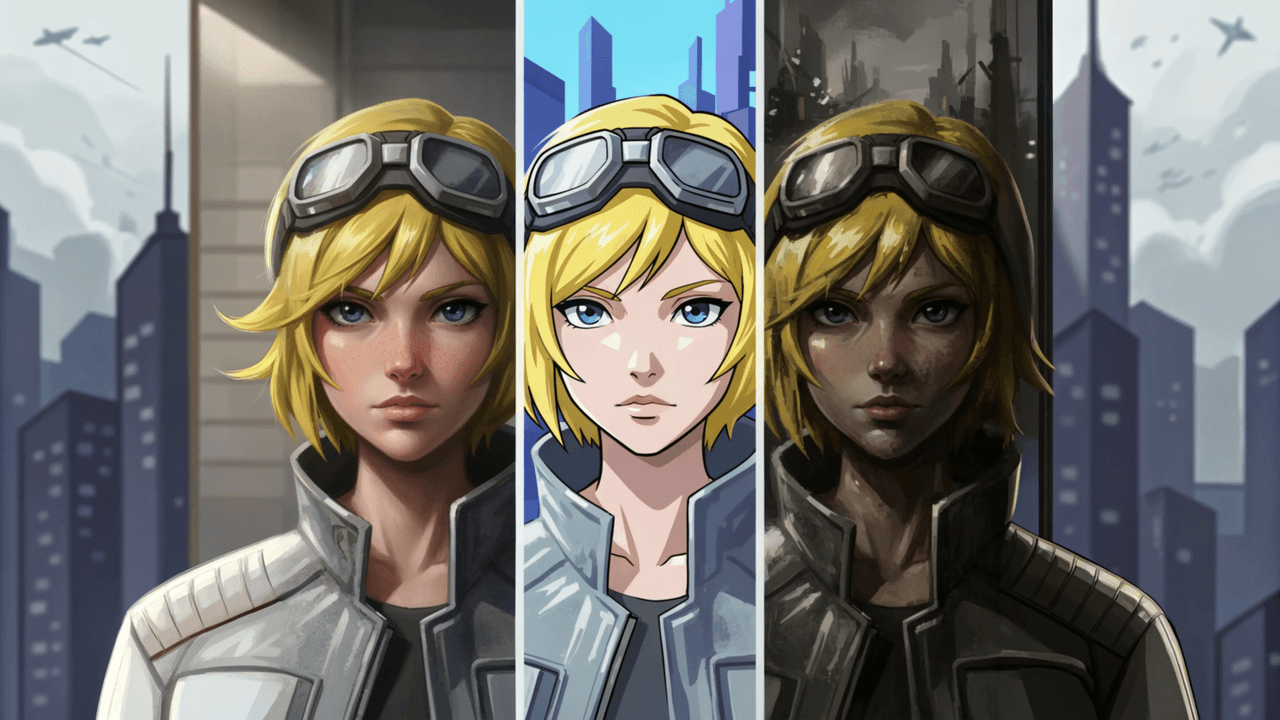
Instead of "a young woman with dark hair," I now write: "A woman, 28 years old, shoulder-length wavy auburn hair with natural highlights, almond-shaped green eyes with hazel specks, small beauty mark above left lip, fair skin with light freckles across nose, wearing charcoal gray leather jacket with silver zippers."
Here's what I include in every base prompt:
Physical specifics: Age, height indicators, build type
Facial features: Eye shape and color (including unique details), nose characteristics, lip shape, distinctive marks
Hair details: Length, texture, specific color shades, styling
Signature elements: Clothing pieces or accessories that anchor identity
Art style: Photorealistic, cel-shaded, watercolor, or anime
The recently announced Nano Banana Pro (Gemini 3 Pro Image) now maintains consistency across up to five characters simultaneously and blends elements from up to 14 reference images—a game-changer for complex scenes.
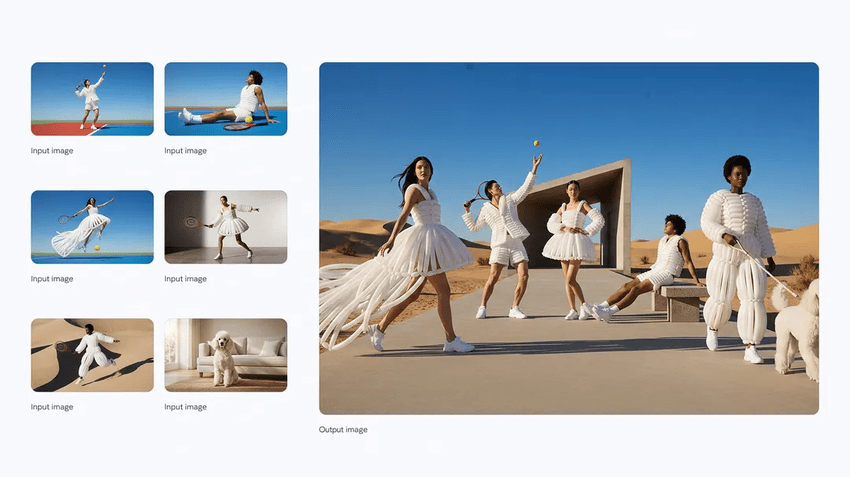
I generate what I call an "anchor image"—my definitive reference that becomes the north star for all future generations. I save multiple angles when possible, building a mini reference library.
Reference Prompts for Reliable Character Consistency in AI
Once you have your anchor, the magic happens through Nano Banana's conversational approach. Unlike one-shot generators, Nano Banana's multi-turn editing capability lets you refine progressively while maintaining core identity.
I use a "chain of context" workflow where each prompt builds directly on the previous output:
Step 1: Generate the base using your detailed character DNA prompt
Step 2: Make micro-adjustments—"Keep the same character, now with a slight smile"
Step 3: Introduce variations gradually—"Keep this character exactly, now standing in a coffee shop"
Step 4: Layer complexity—"Same character, sitting at desk with laptop, looking frustrated"
The key phrase I use constantly is "keep the same character" or "maintain this person's appearance exactly." According to industry experts on consistent AI character creation, explicitly stating consistency requirements in every prompt significantly improves outcomes.
I also re-use unique descriptive tokens. If I initially described "almond-shaped green eyes with hazel specks," I repeat that exact phrasing in subsequent prompts. The technical breakdown at NeNoBanana explains that token persistence helps the model maintain what they call "latent alignment"—keeping the character's visual fingerprint intact.
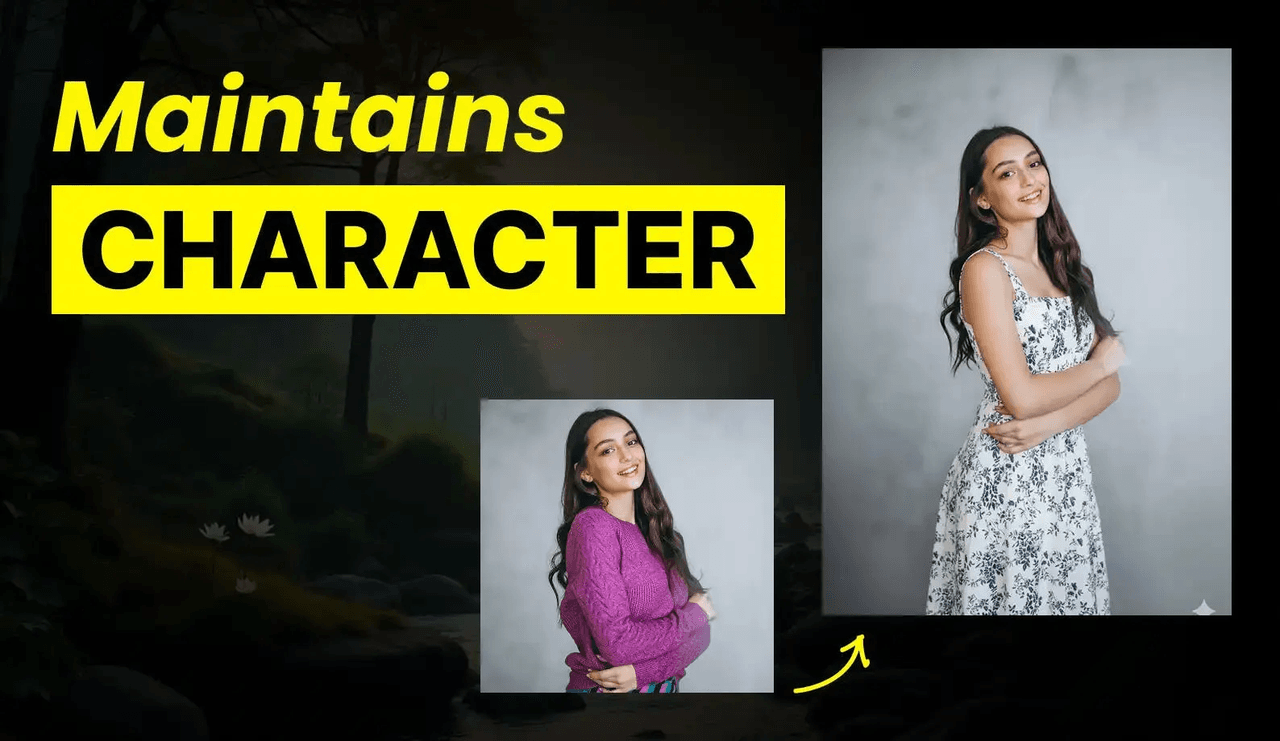
Maintaining Outfit, Style, and Identity: A Practical Banana Character Guide
Changing outfits while preserving facial identity is tricky. Many AI tools treat clothing as inseparable from faces, so swapping a jacket results in subtle facial changes.
I handle this through selective editing: "Keep this character's face, hair, and features exactly as shown. Only change the outfit to: white button-up shirt and navy blazer."
Being explicit about what not to change is as important as describing what should change. The Sider AI cheat sheet for Nano Banana Pro recommends aiming for 90% or higher feature match compared to your anchor image.
For style consistency, I maintain strict vocabulary. If I start with "cel-shaded animation style with clean lineart," I copy-paste that exact phrase into every variation.
My outfit-swap checklist:
-
Explicitly state which elements stay identical (face, hair, eye color)
-
Describe only the outfit change with specific detail
-
Maintain the same style descriptors from your anchor
-
Keep camera angle and lighting consistent initially
-
Review against anchor—if features drift, regenerate
Batch Workflow Strategies to Scale Nano Banana Consistent Characters
When you need dozens of variations for comics or marketing campaigns, manual generation becomes impractical. I've developed two approaches:
Scripted Batch Generation
For technical users, automating Nano Banana through Google AI Studio's API offers maximum control. The workflow: perform one variation in Gemini Native Image interface, export using "Get code" button, then refactor for automation with dynamic prompts and error handling.
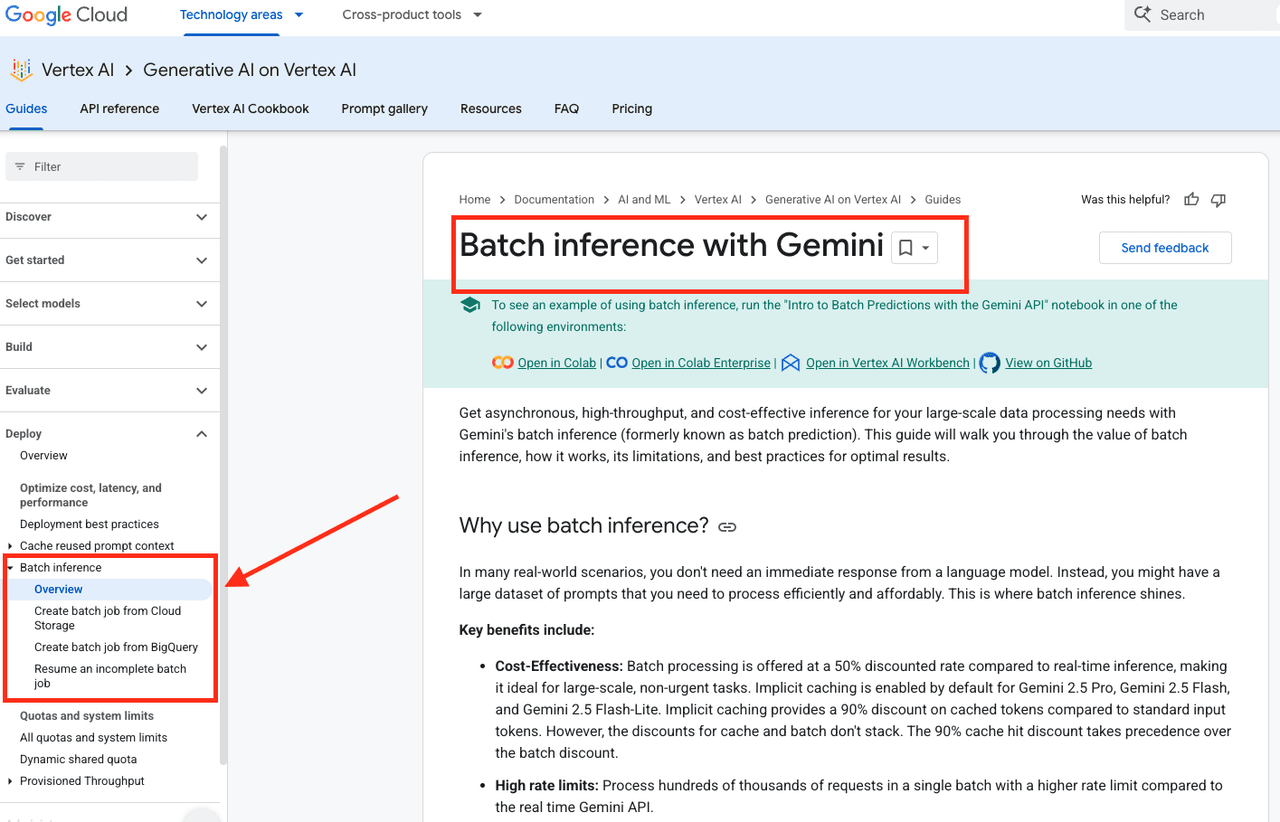
Google Cloud's batch inference documentation notes that batch processing offers 50% cost savings compared to real-time inference—crucial at scale.
Spreadsheet-Based Batch
For non-technical creators, I've adapted Ideogram's batch generation approach: upload a CSV with prompts and settings, retrieve all images as ZIP. I create a master CSV with my base character prompt, add columns for scene variations, and generate in batches of 100-200.
One technique I love: using ChatGPT to auto-populate batch CSV files from AI prompt generation workflows. I provide my character description and ask for 50 scene variations—dramatically accelerating batch preparation.
Quality Control
After each batch, I display outputs in a grid, flag inconsistencies, and sort into three categories: perfect, minor drift (salvageable), major drift (discard). I aim for 70%+ keepers—anything lower suggests prompt issues.
The Dzine AI guide emphasizes that high-quality source images (minimum 1024×1024 resolution) dramatically improve batch consistency.
Building Your Character Library
Over months of testing, I've generated thousands of variations across dozens of projects. What started as frustrating trial-and-error became a reliable system. Character consistency requires detailed base prompts, conversational refinement, explicit instructions, and systematic quality control—but when these align, Nano Banana delivers results that seemed impossible a year ago.
I now maintain a library of 15+ fully developed characters, each with anchor images, DNA prompts, and successful examples. When starting new projects, I reference this library to accelerate development and avoid past mistakes.
For creators willing to invest in systematic character development, AI has finally reached the point where consistent, recognizable characters across hundreds of images isn't just possible—it's practical. I'm excited to see what you build with these workflows.
Have you tried Nano Banana for character generation? What consistency challenges are you facing? Share your experiences—I'm always learning from fellow creators tackling these problems.