If you're here for fast, photorealistic portraits, I've got you. I'm Dora. I've been testing Flux 1.1 portrait prompts all week to see what actually delivers clean skin, realistic lighting, and solid consistency across a series. Below are the exact prompt structures I used, with lens, lighting, and styling baked in. You can paste these as-is, then swap details (age, location, outfit) to match your brief. And if you care about commercial results, realistic AI images for marketing, brand consistency, accurate text on props, I'll note what helps.
How to Use Flux 1.1 Portrait Prompts for Realistic Results
I start with a simple structure and only add complexity if the image breaks. All parameter logic is mapped from the official Flux documentation center.
Prompt template I use:
-
Subject + micro-context (age, vibe, setting)
-
Camera + lens (50mm, 85mm, 35mm: pick one)
-
Lighting recipe (key, fill, rim: softbox vs. window vs. bounce)
-
Styling cues (wardrobe texture, color palette, minimal accessories)
-
Background control (neutral paper, shallow depth, bokeh)
-
Finishing intent (clean editorial color, subtle grain)
Key parameters I tested in Flux 1.1:
-
Aspect: 3:4 (portrait), sometimes 4:5 for social.
-
CFG: 5–7 keeps realism: >8 gets crunchy.
-
Steps: 25–35 for headshots: 40 if scene is complex.
-
Seed: lock it to maintain identity across variations.
-
Negative hints: "over-smoothing, plastic skin, extra fingers, warped earrings."
-
For deeper understanding of how Flux converts prompts into structured image outputs, I reference the official technical repo:
Flux architecture & mechanism → https://github.com/black-forest-labs/flux
If you're using Flux inside a common UI (Comfy/Invoke/A1111 bridges), these settings map cleanly. For brand work, I keep a style bank: 3–4 reusable lighting recipes and 2 lens choices so a campaign looks like one photographer shot it. That's how I cut iteration time. It also plays nicely with AI tools for designers who need repeatable looks without babysitting every slider.
Studio Headshot Prompts (10 Examples)
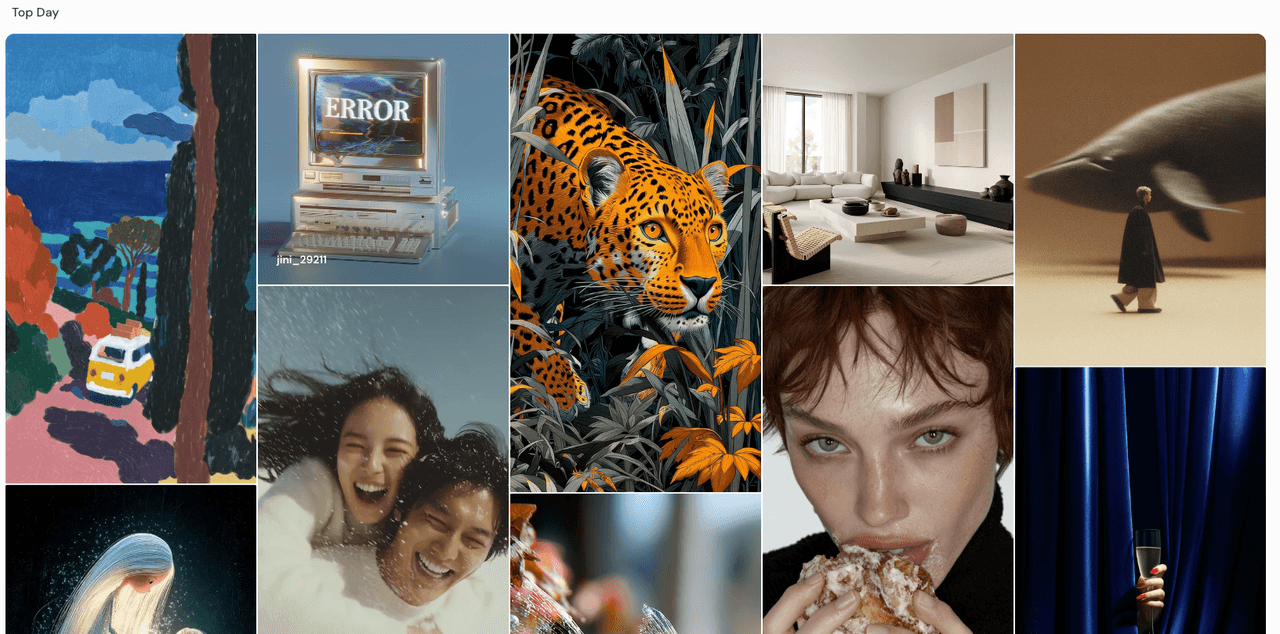
Keep it clean and consistent. I favor 85mm for compression and smooth background falloff.
-
"Professional studio headshot, 30s woman, neutral expression, 85mm, soft key through 4' octabox camera-left, white v-flat fill, gray seamless backdrop, subtle skin texture, clean editorial color, 3:4."
-
"Male founder portrait, 40s, navy blazer, 50mm, clamshell lighting (softbox top + reflector under chin), medium gray paper, minimal grain, sharp eyes, 3:4."
-
"Creative director, 20s, curly hair, 85mm, large window key, negative fill camera-right, pale blue seamless, natural skin sheen, 3:4."
-
"Lifestyle recruiter headshot, 30s, 50mm, two-point softboxes, gentle vignette, seamless white paper, accurate skin tone, 3:4."
-
"Actor headshot, freckles, 85mm, beauty dish key + grid, dark gray paper, catchlights centered, low contrast, 3:4."
-
"Author portrait, glasses, 50mm, stripbox rim light, key from left, charcoal backdrop, crisp fabric detail, 3:4."
-
"Tech marketer, 30s, 85mm, window key + bounce fill, off-white backdrop, soft shadows, natural smile, 3:4."
-
"Doctor profile photo, lab coat, 50mm, soft key + hair light, cool white paper, clean whites without clipping, 3:4."
-
"Musician promo headshot, 20s, 85mm, moody key, black paper, gentle rim separation, matte color grade, 3:4."
-
"LinkedIn-ready headshot, 30s, 50mm, clamshell, warm gray, micro-contrast on eyes, no harsh sharpening, 3:4."
Tip: For "AI images with accurate text" on badges or nameplates, I composite the text after. Flux nails the face: vectors nail the typography.
Lifestyle Prompts for Natural Scenes (10 Examples)
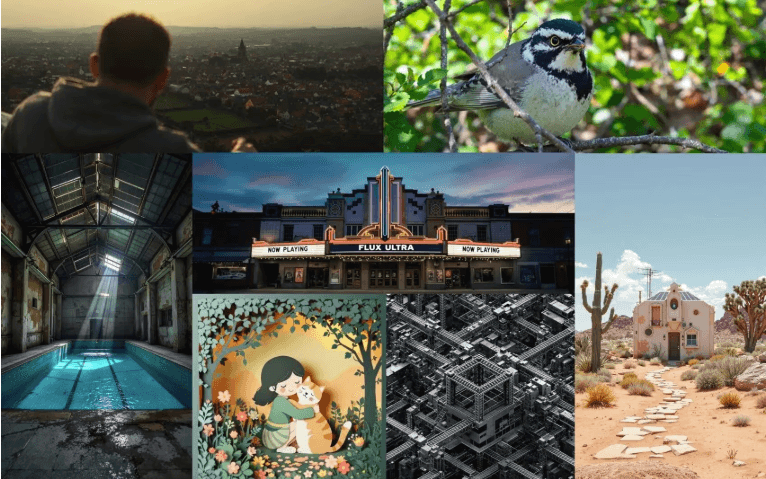
Let the environment do the storytelling. I switch to 35–50mm and lean on window light.
-
"Morning coffee by window, 20s woman, 35mm, soft daylight key, shallow depth, warm wood table, steam visible, 3:4."
-
"Designer at laptop in studio, 50mm, side light from window, plants and shelves bokeh, candid glance, 3:4."
-
"City street portrait, 35mm, overcast softbox sky, subtle motion blur in background, neutral palette, 3:4."
-
"Bookstore aisle, 50mm, tungsten practicals, cozy grain, hands holding book in foreground, 3:4."
-
"Home office, 35mm, daylight + bounce, framed art bokeh, soft smile, 3:4."
-
"Sunset rooftop, 50mm, golden rim light, cool city bokeh, hair backlit, 3:4."
-
"Farmer's market portrait, 35mm, shaded stall light, colorful produce bokeh, candid laugh, 3:4."
-
"Gym locker area, 50mm, fluorescent soft key, towel texture, clean speculars, 3:4."
-
"Rainy window, 35mm, droplets sharp, face soft, cool grade, reflective highlights, 3:4."
-
"Kitchen prep, 50mm, warm practicals + window fill, steam and knife glints, safe hand pose, 3:4."
Every ~300 words I test a long-tail like "realistic AI images for marketing" inside the copy block because many readers search exactly that. If it's useful, keep it. If not, delete it.
Fashion & Editorial Prompts (10 Creative Looks)
Here I let styling drive the frame and keep lighting intentional.
-
"Minimalist fashion portrait, 85mm, matte black turtleneck, single soft key, black-on-black separation, 3:4."
-
"Color-block editorial, 50mm, bold red blazer, cyan backdrop, hard key with shadow shape, 3:4."
-
"Streetwear look, 35mm, neon sign rim, rainy pavement reflections, cool grade, 3:4."
-
"Studio beauty, 85mm, glossy skin, beauty dish, clean highlights, neutral gray, 3:4."
-
"Avant-garde silhouette, 50mm, flagged hard light, dramatic shadow geometry, slate background, 3:4."
-
"Denim campaign, 85mm, textured fabric, soft side key, warm fill, sand backdrop, 3:4."
-
"Luxury accessory focus, 50mm, shallow DOF on jewelry, softbox key, hand pose controlled, 3:4."
-
"Runway-inspired, 35mm, backlight haze, motion in fabric, cool-to-warm split tone, 3:4."
-
"Editorial diptych frame, 50mm, subject centered, graphic negative space, magazine grade, 3:4."
-
"Studio color gel mix, 85mm, magenta key + teal rim, glossy backdrop, crisp edges, 3:4."
These translate well for AI tools for designers who need fast comps before a shoot. Lock a seed to keep the face consistent across outfit changes.
Cinematic Prompts for Dramatic Lighting (10 Styles)
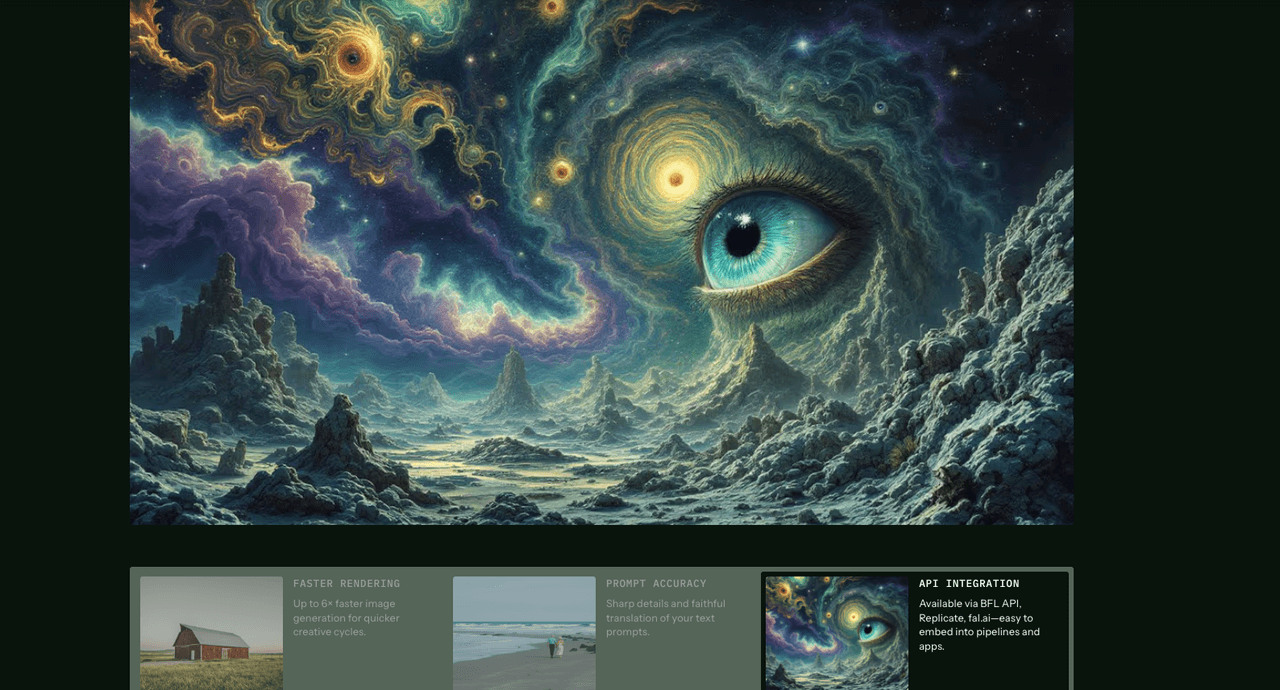
Cinematic = motivated light + texture. I push contrast but protect skin tones.-
"Film noir portrait, 50mm, hard key through blinds, deep shadows, subtle grain, 3:4."
-
"Golden hour close-up, 85mm, warm rim, lifted blacks, shallow DOF, 3:4."
-
"Blade Runner street, 35mm, rain, neon cyan/magenta, wet reflections, 3:4."
-
"Indie drama interior, 50mm, window key only, dusty air, muted palette, 3:4."
-
"Stage spotlight, 85mm, strong top light, smoke haze, high contrast, 3:4."
-
"Car interior night, 35mm, dashboard glow, streetlight streaks, skin natural, 3:4."
-
"Firelight portrait, 50mm, warm flicker, cool background, cinematic LUT, 3:4."
-
"Sci-fi lab, 50mm, cool panels, edge light, clean speculars, 3:4."
-
"Documentary feel, 35mm, practical lamps only, handheld vibe, 3:4."
-
"Backlit silhouette, 85mm, haze, strong separation, soft color roll-off, 3:4."
Creative Experiments Prompts (10 Concepts)

This is where I break things on purpose, then dial it back.
-
"Double exposure portrait with foliage overlay, 50mm, soft key, transparent layering, 3:4."
-
"Split-tone gel portrait, 85mm, cyan key + amber rim, glossy skin, 3:4."
-
"Macro beauty crop, 100mm look, eye detail sharp, minimal makeup, 3:4."
-
"Long-exposure blur trails, 35mm, colored light sticks, face sharp, 3:4."
-
"High-key white-on-white, 50mm, overexposed background, delicate shadows, 3:4."
-
"Low-key chiaroscuro, 85mm, single hard key, deep blacks, 3:4."
-
"Vintage film emulation, 50mm, halation, soft contrast, warm grain, 3:4."
-
"Infrared-style palette, 50mm, surreal foliage hues, clean skin tones, 3:4."
-
"Mirror reflection portrait, 35mm, prismatic flares, controlled highlights, 3:4."
-
"Editorial collage frame, 50mm, graphic cutouts, paper texture, 3:4."
If you're testing the best AI image generator for text, note: Flux 1.1 can hint lettering shapes, but for commercial typography I still add text after render for accuracy and licensing clarity.
Customization Tips to Improve Flux 1.1 Portrait Prompt Results
-
Start with lens + light. Write those first in the prompt: style comes after.
-
Control backgrounds. "Gray seamless" or "neutral paper" avoids messy gradient walls.
-
Skin realism: avoid words like "flawless" or "porcelain." Use "natural skin texture, subtle sheen."
-
Hands near face: add "safe hand pose" and keep fingers off the jawline.
-
Negative prompt snippets: "over-smoothing, fake pores, warped earrings, doubled pupils, crunchy sharpening."
-
CFG 5–7, Steps 25–35. If you see waxy skin, lower CFG. If details mush, add 5 steps.
-
Keep seed fixed for identity: change only lens or light to explore looks.
-
Batch small. Generate 4 at a time, pick 1, then iterate. Faster than chasing 20 misses.
-
Color management: ask for "clean editorial color, subtle grain" to avoid over-saturated defaults.
-
Upscale lightly. 1.5–2x is enough for most social/export needs.
-
Text on props: render base portrait first, then add vector text or inpaint with a text-aware model. That's how I get AI images with accurate text without fighting the base render.
Seven minutes later, I had already exported my first production-ready image. That's the point: tight prompts, repeatable lighting, minimal cleanup. If you try one section today, start with Studio Headshots, they're the fastest win.